Back to: Advance Computer Network
0
Simulating IP Multicast

Initial Setup IP Multicast:


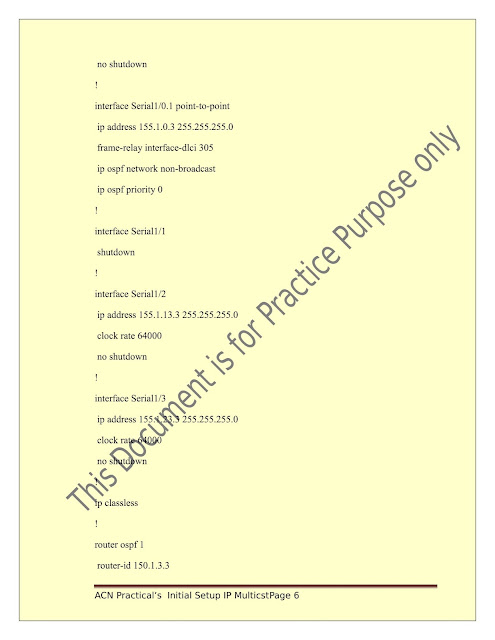





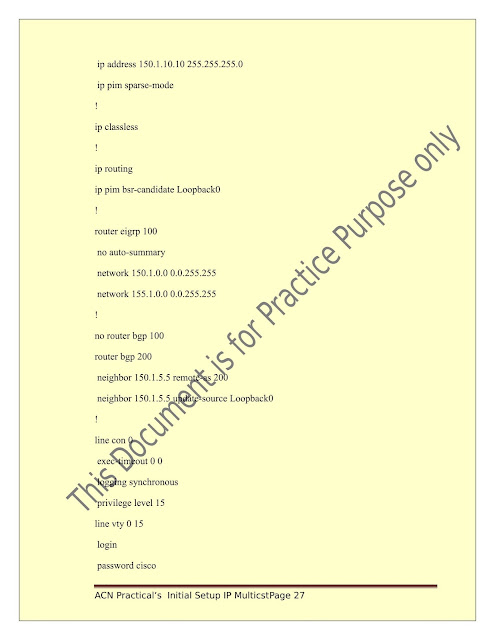
 Simulating IP Multicast Routers





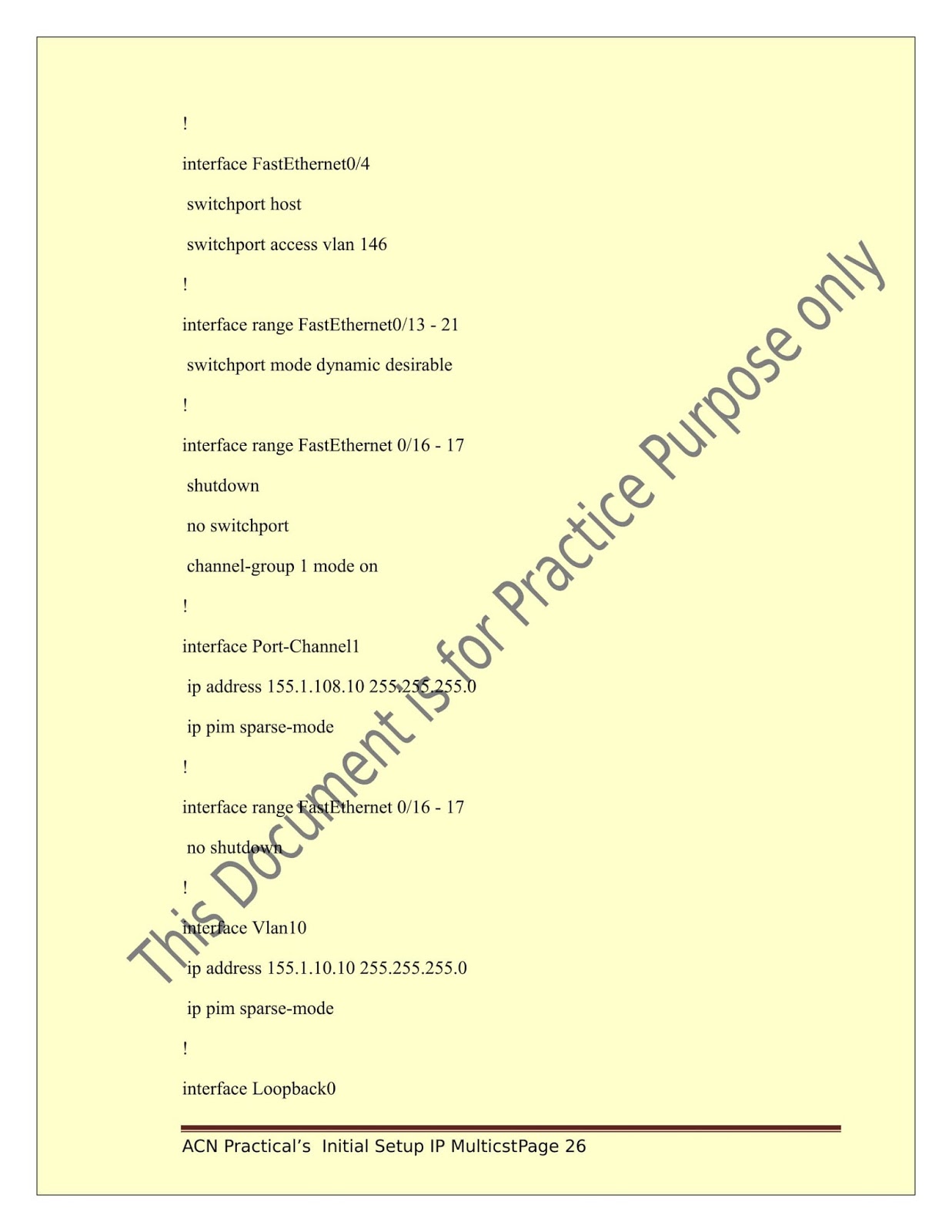


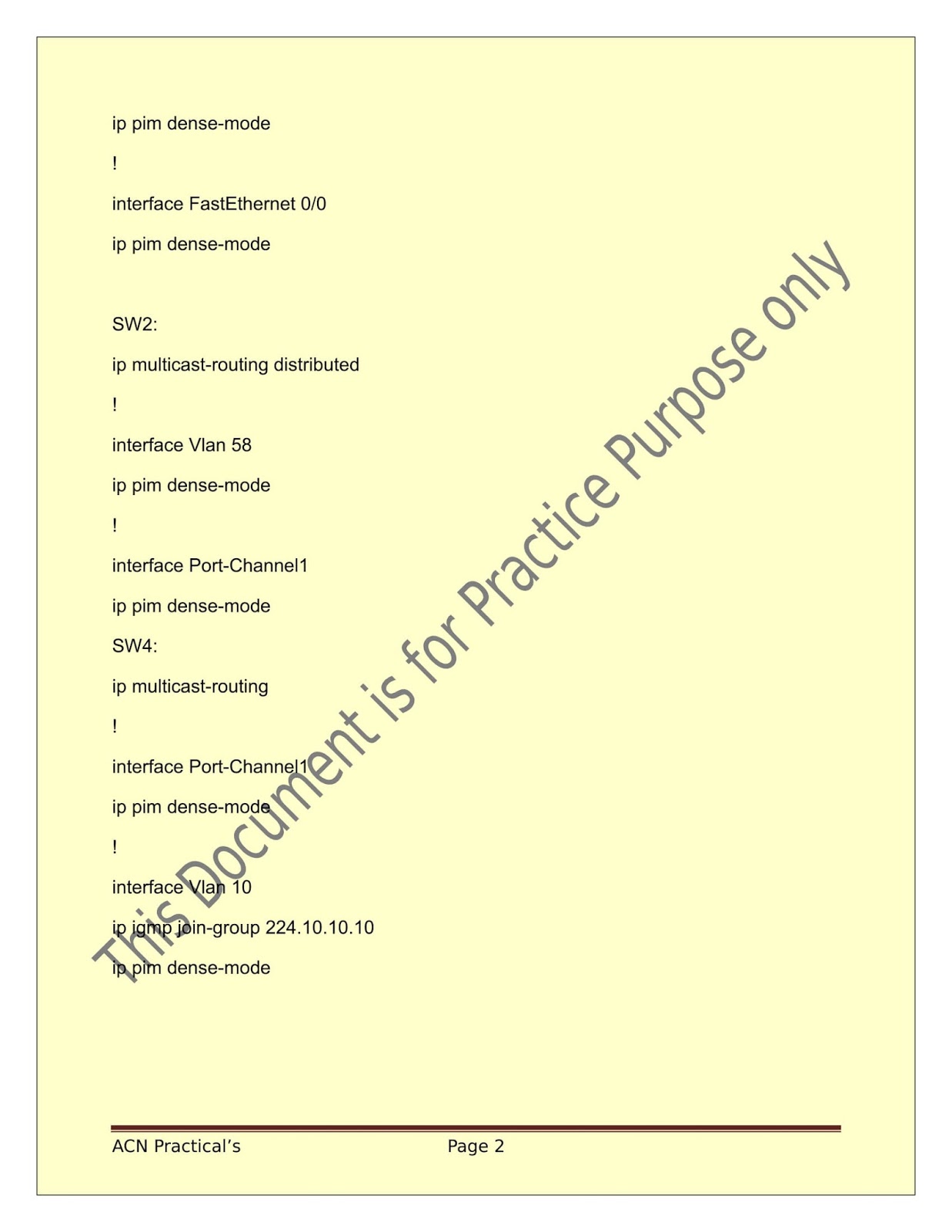


IP Multicast
1. Dense Mode
|
interface interface-id
|
Specify the Layer 3 interface on which you want to enable multicast routing, and enter interface configuration mode. |
|
ip pim {dense-mode | sparse-mode | sparse-dense-mode}
|
Enable a PIM mode on the interface.
By default, no mode is configured.
The keywords have these meanings:
•dense-mode—Enables dense mode of operation.
•sparse-mode—Enables sparse mode of operation. If you configure sparse mode, you must also configure an RP |
|
show running-config
|
Verify your entries. |
|
ip multicast-routing distributed
|
Enable IP multicast distributed switching. |
|
show ip igmp groups detail
|
Display the (S, G) channel subscription through IGMPv3. |
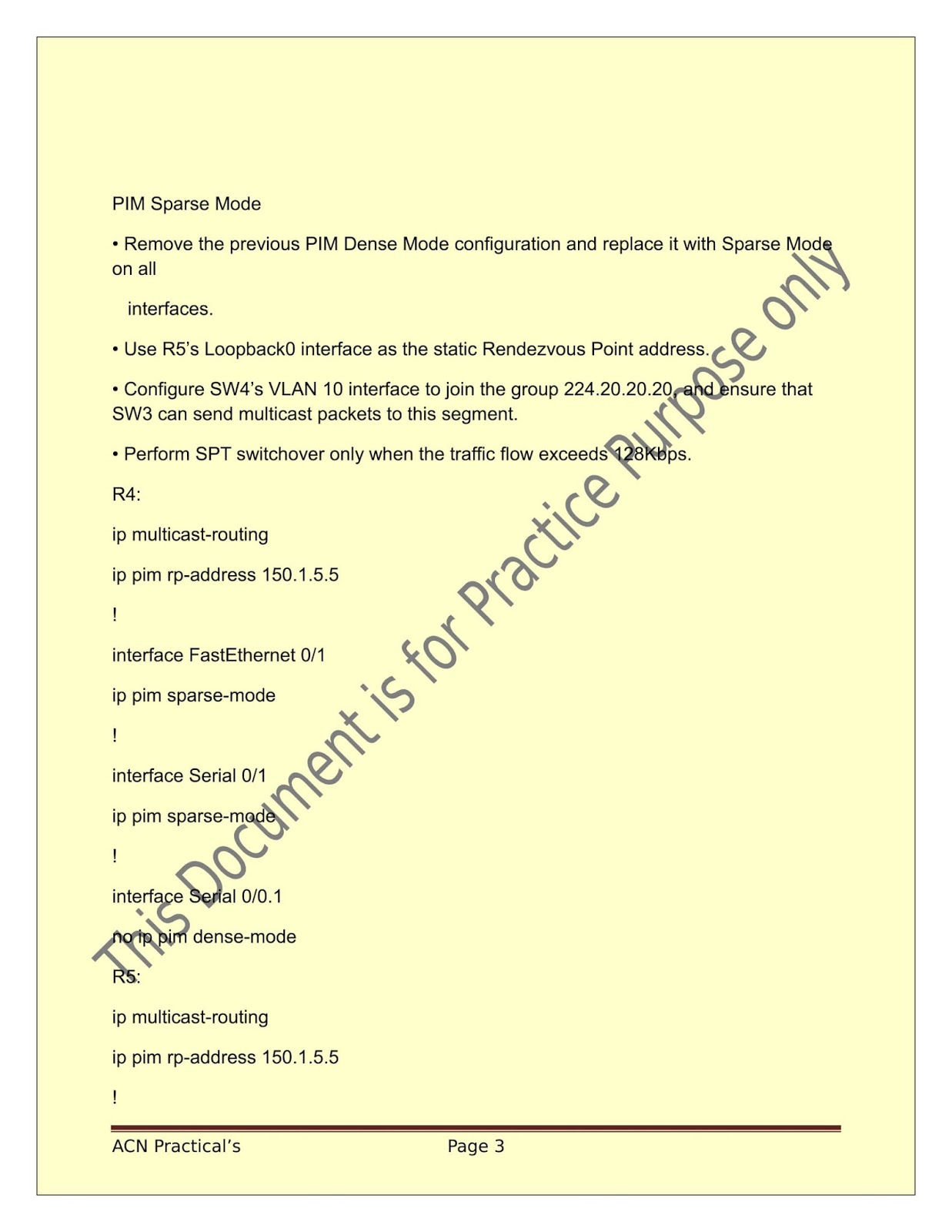
2. Sparse Mode
|
ip pim rp-address ip-address [access-list-number] [override]
. |
Configure the address of a PIM RP.
By default, no PIM RP address is configured. You must configure the IP address of RPs on all routers and multilayer switches (including the RP). If there is no RP configured for a group, the switch treats the group as dense, using the dense-mode PIM techniques |
|
ip multicast-routing distributed
|
Enable IP multicast distributed switching. |
|
show ip igmp groups detail
|
Display the (S, G) channel subscription through IGMPv3. |